
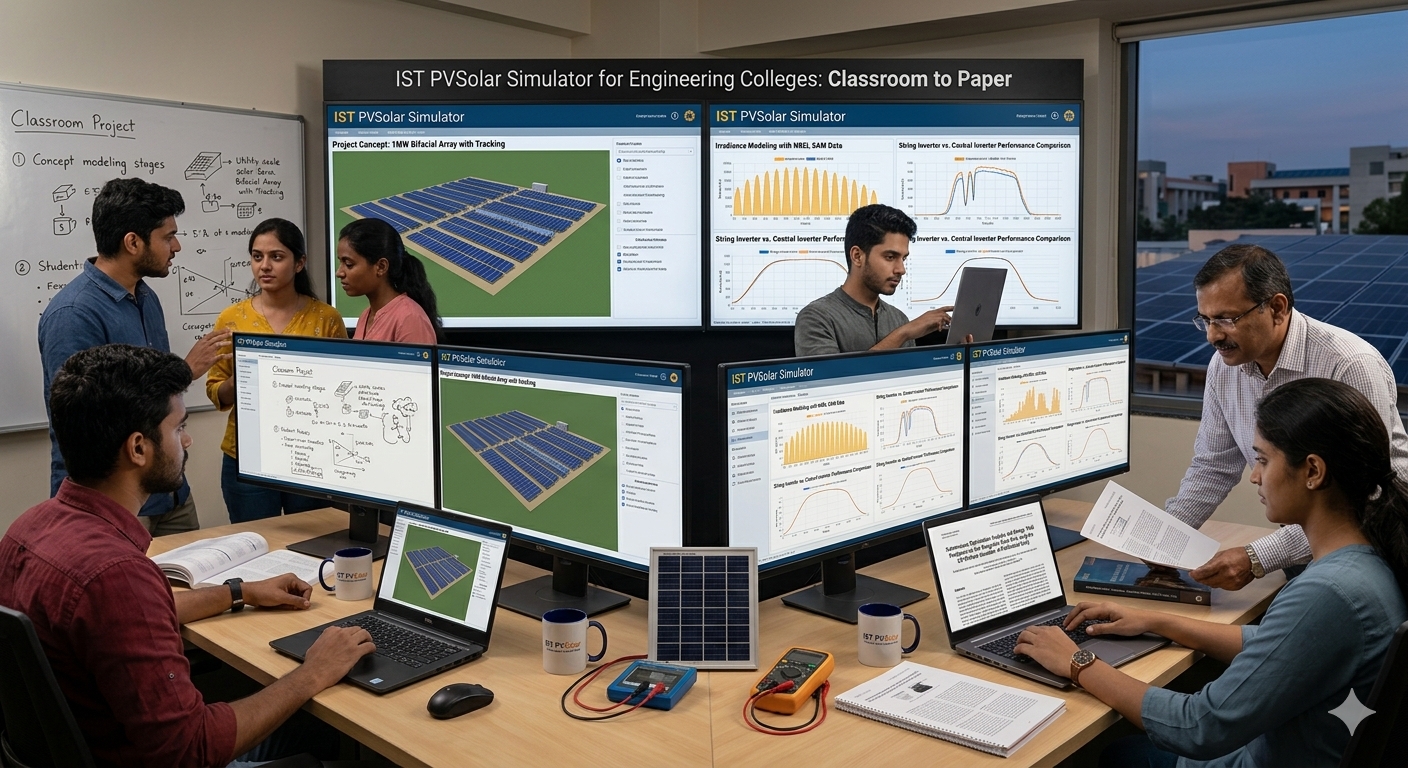
From Classroom Project to Publishable Paper
Solar energy is now part of almost every electrical, mechanical and energy engineering curriculum. The difficulty for colleges is rarely the theory. It is giving students a realistic way to practise: a plant they can design, a model they can defend, and results they can turn into a report or a paper.
IST PVSolar Simulator is a standards-based solar PV design and bankability platform that works in the browser. For academic users, its most useful feature is that one well-configured simulation can feed a thesis chapter, a final-year project report or a journal manuscript. This article explains how.
Why a simulator belongs in the engineering curriculum
Students who only solve textbook problems rarely see how a real PV plant behaves. A simulator closes that gap in several ways.
- Real site, real weather. Students work with hourly weather data for an actual location rather than idealised numbers.
- A documented model chain. The simulation follows a recognisable sequence, from irradiance transposition to cell temperature, module electrical behaviour, shading, losses and inverter conversion. Students can see which choice changes which result.
- Design and economics together. The same project carries costs, tariffs and financing, so students see why the engineering-optimal design is not always the economically best one.
- Reproducibility. A project file can be re-run, which is exactly what a supervisor or reviewer will ask for.
According to the platform's published material, the Research tab turns a finished hourly run into publication-ready figures and tables, so more of a student's time goes into the argument rather than the plotting.
One simulation, four kinds of academic output
The same simulation can support different kinds of work. What changes is the question you ask of it.
1. Research paper
A research paper tests a hypothesis about design or performance. The simulator suits studies of the effect of tilt, azimuth, row pitch, DC/AC ratio, bifacial gain or tracking on annual yield and cost.
Example research questions:
- How much annual energy is lost when row pitch is reduced to fit more modules on a college rooftop?
- What is the optimal tilt for a given latitude when the objective is levelised cost rather than yield?
- How sensitive is a campus plant's payback to soiling, availability or tariff changes?
The Research tab provides design-optimisation maps, a row-pitch study, a sensitivity analysis and an economics grid, each of which can be exported as a figure or table.
2. Case study
A case study describes how a specific plant performs at a specific site. Colleges are well placed to do this, because they have real buildings, real load profiles and often an installed system on campus.
A good case study covers the site's climate, the plant design, the monthly and daily performance, the loss breakdown and the financial outcome. It suits final-year projects, because the student can follow one plant from resource assessment to payback.
3. Validation study
A validation study compares simulated energy with metered energy. If your college has monitoring data from an installed plant, this is among the most valuable studies you can run.
According to the site, the platform supports comparing a blind scenario using generic defaults with an as-built scenario, and reports deviation using nMBE and CV(RMSE) against ASHRAE Guideline 14 thresholds. The key academic point is honesty: label measured data as measured and simulated data as simulated, and report the metrics rather than only a chart.
4. Review or tool-utilisation paper
A review paper compares methods. A tool-utilisation paper shows how a tool should be used, with a worked example. Both suit postgraduate students and early-career researchers.
Typical angles include explaining the modelling chain step by step, comparing forecasting approaches, comparing blind and as-built inputs, or giving practical guidance on how to configure a simulation for a given climate.
From simulation to manuscript: a student workflow
- Write the research question in one sentence. The question decides which figures you need.
- Set up the site and weather. Choose a named hourly weather source such as PVGIS or NASA POWER. Always record the source and year.
- Configure the plant. Select the module, inverter, layout, tilt, azimuth and losses. Record every assumption, because this becomes the methods section.
- Run an hourly simulation. The Project Analysis features need hourly resolution. Check performance ratio and specific yield for plausibility.
- Open Research and Project Analysis, then refresh. The figures and tables are rebuilt from the run you just made.
- Add measured data if you have it. This enables the validation outputs.
- Export figures and tables. Figures export as SVG, which scales to journal sizes, and tables as CSV, which paste into Word or LaTeX.
- Write around the evidence. Draft the results first, then the methods from your recorded assumptions, then the introduction and conclusion.
The site says Project Analysis can produce more than 40 figures and tables, labelled with the project's own capacity, location and values. That reduces caption editing and helps keep numbers consistent between text and charts.
Suggested paper structures
|
Type |
Suggested structure |
|---|---|
|
Research paper |
Introduction and gap, site and system, methodology, results, sensitivity and economics, discussion, conclusion |
|
Case study |
Background, site resource, plant design, simulated performance, financial outcome, lessons learned |
|
Validation study |
Plant and monitoring data, scenarios, results, calibration criteria, causes of deviation |
|
Review or tool-utilisation paper |
Scope, modelling chain, worked example, comparison of approaches, guidance and open questions |
Using the platform across the college
|
Level |
Use |
|---|---|
|
Undergraduate labs |
Guided exercises on tilt, shading, string sizing and energy yield |
|
Final-year projects |
A complete campus or rooftop plant, from resource to payback |
|
M.Tech and MS dissertations |
Design-optimisation and sensitivity studies, validation against campus data |
|
PhD and research groups |
Method comparisons, forecasting studies, reproducible simulation workflows |
|
Faculty development |
Short workshops and tool-utilisation papers |
|
Industry-academia projects |
Shared projects with local EPCs and consultants |
Good academic practice
Speed helps only if the work survives scrutiny. Encourage students to follow these habits.
- Name the weather source and year. Say whether it is a typical meteorological year, a measured year or a synthetic year.
- Separate simulated from measured. Never present simulated values as metered data.
- Report validation metrics. Give annual deviation, nMBE and CV(RMSE), and state the threshold used.
- Make the work reproducible. List module and inverter models, tilt, azimuth, pitch, loss values and the software version, and keep the project file.
- Cite the methods as well as the tool. Reference the transposition, thermal and module models, not only the software.
- Write the interpretation yourself. The tool produces evidence. The argument, discussion and conclusions must be the author's own, and that is what reviewers and examiners assess.
- Follow your institution's integrity policy. Check rules on software use, data sources and authorship before submission.
Frequently asked questions
Do students need measured data to publish? No. Design studies, case studies, review papers and tool-utilisation papers can work from simulation alone. Measured data is needed for a validation study.
Can it be used for a final-year or thesis project? Yes. A single project can supply the results chapter, and the modelling and methodology figures can support the methods chapter.
Will the figures match the project's size and location? According to the site, titles, axis ranges and notes are generated from the simulated project, including capacity, site name and currency.
Does the software write the paper? No. It supplies figures, tables and derivation notes. The research question, interpretation and conclusions belong to the authors.
Can a college use it for solar training beyond research? Yes. The same design, shading, electrical and financial features support lab exercises, workshops and industry-linked projects.
Start with a plant your students know
The quickest way for a department to evaluate the platform is to pick a plant that students can visit or already have data for, such as a campus rooftop. Run one hourly simulation, open the Research tab, and see how much of a results section is already on the page.
Read the source article, One Simulation into a Publishable Paper, explore the product page, or create an account to try it with your own project.