
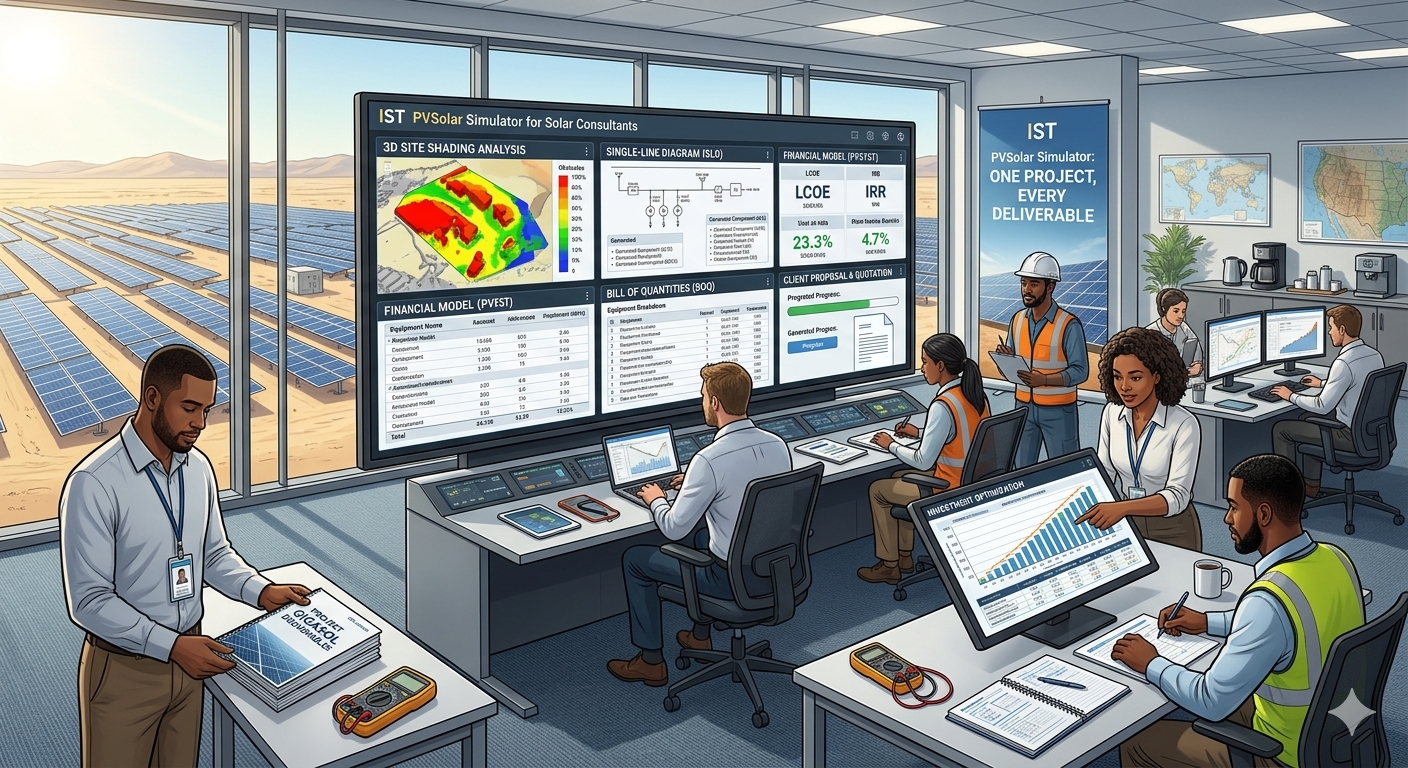
One Project, Every Deliverable
A solar consultant is paid for judgement, not formatting. Yet a large share of any consulting engagement goes to assembling deliverables: the design basis, the single-line diagram, the quantity list, the cost estimate, the project report and the lender-facing analysis. When these come from different tools, every revision means checking each document against the others, and one missed figure can undermine the whole package.
IST PVSolar Simulator takes a different approach. The same project that holds your site, layout, components and hourly simulation also holds your costs, financing and tariff assumptions. The deliverables are generated from that one source, so they cannot disagree with the model.
The consultant's deliverable set
A typical engagement produces more than a yield number. The table below shows the documents a consultant is usually asked for and what each one is meant to prove.
|
Deliverable |
What it shows |
Who reads it |
|---|---|---|
|
Project document |
Site, design basis, selected equipment, key results and assumptions |
Client, reviewer, file record |
|
Single-line diagram (SLD) |
How the array, inverters, protection and grid connection are arranged |
Utility, electrical contractor, reviewer |
|
String table layout |
How modules are grouped into strings and assigned to inverter inputs |
Site engineers, installers |
|
String DC circuit diagram |
The DC wiring from strings to inverter inputs |
Installers, inspectors |
|
Bill of quantities (BOQ) |
Items and quantities needed to build the plant |
Procurement, estimators |
|
Quotation |
The commercial offer built from the BOQ, schedule and terms |
Client |
|
Detailed Project Report (DPR) |
Technical, financial and risk case for a lender or agency |
Banks, independent engineers, agencies |
|
Bankability report |
P-values, risk analysis and coverage metrics |
Lenders, investors |
The platform's published material describes the SLD, BOQ, EPC proposal, DPR and bankability outputs. The string table layout and string DC circuit diagram are part of the electrical design deliverables you would expect to prepare from the same sub-array and inverter data. Check the exact output formats in your own project before promising them to a client.
Start with one project
Everything begins with the project record. You enter the project name, client, address, location and project type, load the solar resource, select the module and inverter, and build the sub-arrays. For ground-mounted plants you trace the land and use Auto Fit in the 3D layout. You then complete the loss settings and the economics, run the simulation, and generate the outputs.
Because every output reads from this record, changing a module, a tilt or a tariff means re-running once, not editing eight documents.
Electrical design: SLD, string table and DC circuit
The electrical documents matter most to the people who build and inspect the plant. IST PVSolar Simulator checks each sub-array configuration against the inverter's limits, comparing open-circuit voltage at minimum winter temperature to the maximum DC voltage, maximum-power voltage to the MPPT window at both temperature extremes, and current to per-MPPT limits.
The design chapter of the generated DPR includes the electrical design check, the sub-array table, the orientation diagram, the sub-array arrangement in 2D and 3D, the SLD, the LT panel scheme and the earthing and lightning protection design. For a consultant, that means the string count per MPPT, the layout and the drawings all come from the same configuration you validated.
BOQ and quotation from the same data
The cost side of the project is line by line. CAPEX covers modules, inverters, mounting structure, DC and AC cabling, earthing and lightning protection, grid connection and installation. Each item has its own quantity, unit rate and tax rate, so a reviewer can see where the money goes. From this data the platform generates an EPC proposal with CAPEX, BOQ, project schedule, financial summary and terms and conditions. Reusable company and customer profiles save retyping your details on each proposal.
For a consultant preparing a cost estimate or reviewing an EPC's offer, this transparency is the point: the quantities in the BOQ are the same quantities that drive the cash flow.
The DPR in one click
The DPR is usually the slowest document in a project. The design may take a day, while the report that explains it to a bank can take weeks. IST PVSolar Simulator V9 turns a finished design into a draft DPR with one click. According to the site, the Draft DPR tab builds a 19-chapter Word report from your own project data in about a minute, and downloads it as a Word file with a header, footer, page numbers and a Table of Contents.
The report follows the outline lenders and independent engineers expect:
- Executive summary with P50 and P90 energy, performance ratio, specific yield, CUF, project cost, IRR, DSCR, LLCR and a financial risk score.
- Policy and regulatory framework, site and land, and solar resource, including a monthly irradiance chart and heat map.
- Technology, plant design, energy yield with the loss diagram and probability of exceedance, and the 25-year generation profile.
- Cost, financing and financial analysis, with year-by-year and full cash flows.
- Implementation schedule, ESG metrics such as water use and CO₂ savings, and a conclusion written from your actual results.
Chapters the software cannot know, such as sponsor details, land documents or approvals, keep standard DPR wording with yellow-highlighted placeholders. An annexure lists every data gap the generator found, so you know exactly what is left. The draft is a starting point: a qualified engineer should review it before it is issued.
The bankability report
A lender does not finance a single number. IST PVSolar Simulator reports energy at several exceedance levels: P50 for equity returns, P75 and P90 typically used for debt sizing, and P95 and P10 as downside and upside bounds. These come from a transparent uncertainty budget in which year-to-year weather variability, weather-data uncertainty, model uncertainty and component uncertainty are each set separately.
From the same project, the platform produces the indicators investors and lenders read:
- Value and return: LCOE, NPV, project and equity IRR, and simple and discounted payback.
- Lender metrics: minimum and average DSCR, and LLCR, with covenant thresholds you set so the review shows whether the project clears them.
- Risk analysis: a financial risk analysis built on the hourly simulation, so the result reflects the actual shading, clipping, cable losses and degradation of the plant.
For consultants acting as lender's engineer or owner's engineer, this gives a structured basis for questions such as what the IRR is at P90 and whether the DSCR stays above the covenant in a bad year.
Scenarios and multi-currency work
Most review comments are about assumptions: what if module prices rise, what if the tariff escalates more slowly, what if the loan rate goes up. You can treat these as scenarios by changing one assumption at a time and comparing the effect on LCOE, NPV, IRR and payback, and by combining design changes, such as a different module or a tracker, with financial changes.
For consultants working across borders, each project is set up for its own country, with costs, tariffs and results reported in the local currency and with country-specific defaults you refine using project quotations. One workflow can then serve clients in different markets.
A consultant's workflow
- Create the project and record the client, address, location and project type.
- Load site-specific TMY data, or licensed data where available, and trace the land or roof.
- Select modules and inverters, build the sub-arrays and review the electrical validation.
- Set the loss assumptions and run an hourly or sub-hourly simulation.
- Enter CAPEX, OPEX, financing, tariff and tax assumptions, then calculate the economics.
- Generate the SLD, string layout, DC circuit, BOQ and quotation.
- Click Draft DPR, then finish placeholders and have an engineer review it.
- Prepare the bankability analysis and compare scenarios for the client or lender.
Best practices for a defensible result
- Use a real, site-specific weather year before figures go to a lender.
- Run hourly or sub-hourly, because bankable P50 and P90 figures need a time-series simulation.
- Complete the economics before generating the DPR, since the financial chapters are only as good as the inputs.
- Close every placeholder and data gap before issue.
- Keep a record of assumptions, so a reviewer can see why two scenarios differ.
Who benefits
|
User |
Benefit |
|---|---|
|
Independent consultants |
A complete, consistent deliverable set without a separate documentation team |
|
Owner's engineers |
Transparent yield, cost and cash-flow figures to review |
|
Lender's engineers |
P-values, coverage ratios and uncertainty from one model |
|
EPC consultants |
Matching SLD, BOQ and quotation for every bid |
|
Advisory firms |
Faster first drafts, with more time spent on judgement |
Frequently asked questions
Can IST PVSolar Simulator generate a DPR? Yes. According to the site, the Draft DPR tab builds a 19-chapter Word report from your project data, with placeholders where project-specific documents are still needed.
Are the SLD, BOQ and quotation generated from the same project? Yes. They are produced from the same project data, so they stay consistent when the design changes.
Does it report P50 and P90 figures? Yes. It reports P50, P75, P90, P95 and P10 from a transparent uncertainty budget.
Can I work in different currencies? Yes. Each project can be set up for its own country and reported in the local currency.
Can I submit the draft DPR as it is? No. It is a draft for review. Fill the placeholders, close the data gaps and have a qualified engineer review it first.
From simulation to signed-off package
Consultants add value where judgement matters: choosing the right assumptions, challenging the numbers and advising the client. With IST PVSolar Simulator, the documents that support that judgement come from one project and regenerate whenever the design changes.
Read the source articles, One-Click SPV DPR with IST PVSolar Simulator and From Energy Yield to Investment Decision, explore the product page, or create an account to try it on your next engagement.