
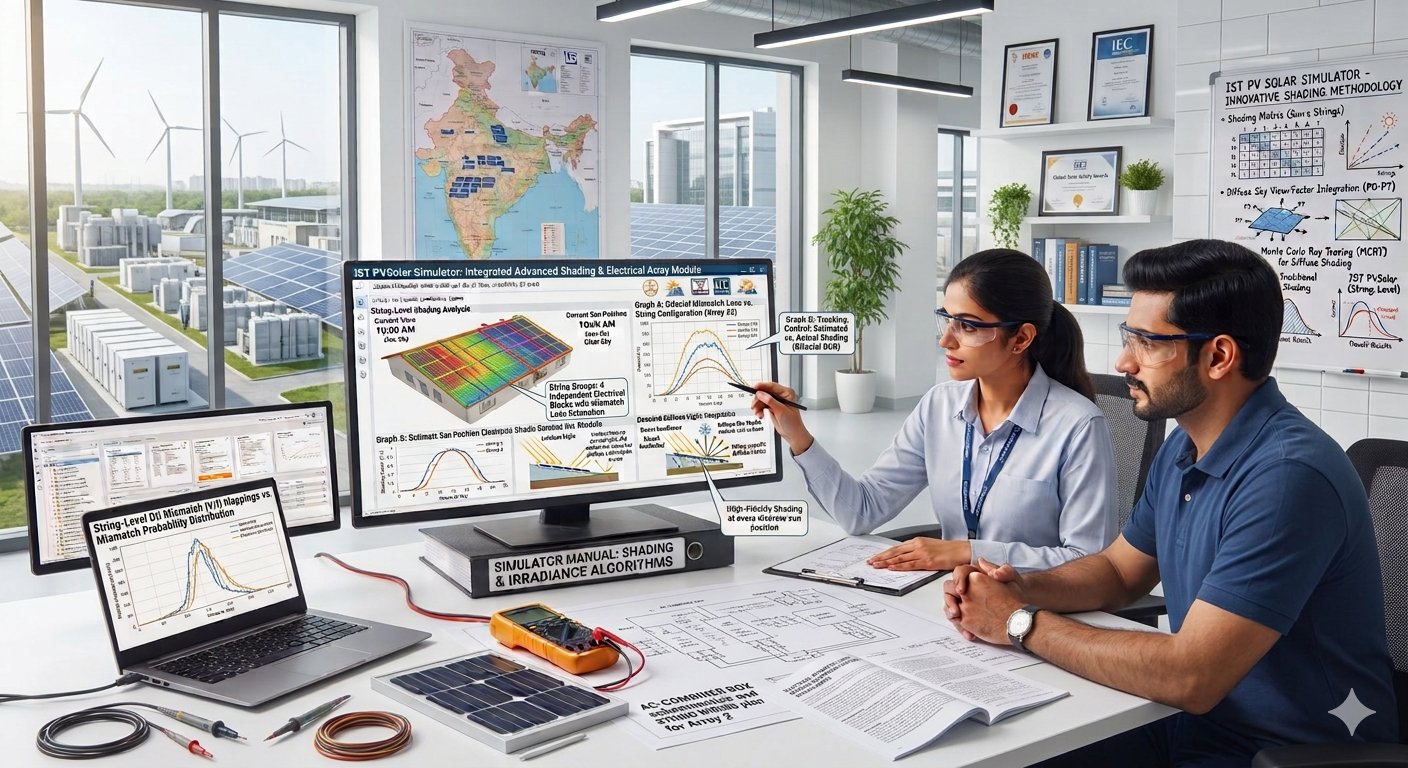
Shading Per String, at Every Sun Position, with Diffuse Light: How IST PVSolar Simulator Does It
IST PVSolar Simulator now treats shade from the traced 3D layout in three ways it did not before.
- Every sun position. In each hour of the simulation, the shaded share of the modules is read at the sun's actual direction and height for that hour.
- Per string. Modules are grouped into electrical strings, and the loss is counted string by string, because one shaded module affects the others wired with it.
- Diffuse light. A building, tree or parapet blocks part of the sky as well as the sun, so it now reduces diffuse light too.
The result is a shading loss that responds to where the shade falls, when it falls and how the modules are wired. This article explains how each part works, what it assumes, and what it did to the numbers in our tests.
Before and now
The earlier method gave one answer for the whole array. The new one gives an answer for each area, each string and each hour.
|
|
Before |
Now |
|---|---|---|
|
When the shade is sampled |
One day per month, once per hour |
The sun's actual position in every hour of the year |
|
What is resolved |
One shaded share for the whole array |
A shaded share for each roof area, used by the sub-array on that area |
|
Electrical effect |
The shaded share treated as a shadow creeping up every row |
Each string judged by how many of its own modules are shaded |
|
Diffuse light |
Not reduced by objects |
Reduced by the share of sky the objects block |
|
Object heights |
Applied as if measured above the modules |
Only the part of an object above the module casts shade |
The last row matters as much as the others. A neighbouring building lower than the roof used to cast a calculated shadow on it. It no longer does, which matches what the 3D view shows.
Every sun position
The shade is worked out once for a grid of sun positions, then looked up for each hour of the simulation.
- Build the grid. When the designer clicks Apply Shading Loss to Simulation, the tool takes 24 sun directions around the compass, one every 15°, and 12 sun heights from 2° to 90°. That is 288 sun positions.
- Cast the shadows. For each position it casts the shadow of every building, tree, rooftop object, parapet and module row, and checks each module to see whether it is in shade.
- Store the result per area. Each roof area gets its own tables, so the east side of a roof and the west side are kept apart.
- Look it up each hour. During the simulation, the sun's direction and height are known for every hour. The shaded share is read from the tables, interpolated between the four nearest grid points.
The earlier method sampled the 15th of each month and reused that day for the whole month. A shadow that only reaches the array in late December, or only before 8 am in June, was averaged away or missed. With a table by sun position, every day and hour finds its own value.
Building the tables took 0.2 seconds for a 54-module layout and about 15 seconds for 3,000 modules in our tests.
Per string
Modules in a string are wired in series, so a shaded module holds back the lit ones. Counting only the lost light understates the loss; the string has to be looked at as a unit.
How strings are formed. Consecutive modules along each row make a string. The length comes from the modules-per-string of the sub-array linked to that roof area.
The rule. In each hour, the tool counts the shaded modules in every string.
- Up to 15% of the string shaded: the shaded modules are bypassed. They produce nothing, and the rest of the string works normally.
- More than 15% shaded: too many modules are bypassed for the string to hold its voltage. The whole string is counted as producing from diffuse light only.
A worked example. Take a string of 20 modules at a moment when 70% of the light is direct and 30% is diffuse.
|
Shaded modules |
Counting lost light only |
With the string rule |
Extra loss |
|---|---|---|---|
|
2 of 20 (10%) |
93% of full output |
90%: two modules bypassed |
3 points |
|
5 of 20 (25%) |
82.5% of full output |
30%: whole string on diffuse light |
52.5 points |
String length therefore changes the result. In a test with one row of 36 modules and a 2.5 m chimney just south of it, the yearly string loss was 0.31% with one 36-module string, 1.35% with 18-module strings, 1.85% with 9-module strings and 1.28% with 4-module strings.
Diffuse light
Direct light comes from one point, the sun. Diffuse light comes from the whole sky, so an object beside the array hides part of it all day, every day, even when the object is nowhere near the sun.
The tool measures that hidden part from the same 288 directions it uses for the sun. For each direction it knows what share of an area's modules cannot see the sky because an object is in the way. It adds these up across the sky, giving more weight to the directions the modules face most squarely. The result is one number per roof area: the share of sky diffuse light that still reaches the modules.
That share is applied to diffuse light in every hour of the year. Shade between module rows was already handled by its own sky-view factor and is unchanged.
In a test with a 9 m building 3 m west of a group of modules tilted at 20°, the open share of sky was:
|
Modules |
Sky diffuse light still received |
|---|---|
|
Next to the building, facing west |
76% |
|
Next to the building, facing east |
80% |
|
A second group 20 m further east, facing west |
97% |
|
No objects nearby |
100% |
This matters most where the sky is often overcast. In a monsoon climate a large part of the year's light is diffuse, and ignoring its loss makes a shaded roof look better than it is.
What it does to the results
Shading losses rise where objects are close, mainly because diffuse shading was not counted before. They fall where an object is lower than the modules.
The first test used two groups of 27 modules at 20° tilt with a 9 m building 3 m west of one group. It is a deliberately harsh case, chosen to show the mechanism.
|
Layout |
Energy lost to shade, direct light only |
Energy lost now |
Of which diffuse |
Of which string effect |
|---|---|---|---|---|
|
Shaded group faces west |
12.5% |
18.9% |
4.7% |
6.4% |
|
Shaded group faces east |
5.3% |
7.6% |
1.8% |
2.8% |
The same building costs less than half as much when the shaded modules face east, because its afternoon shadow falls on modules that produce little in the afternoon. A single table for the whole array could not show that difference.
The second test shows the height correction. The same array was placed on a 10 m roof beside a building.
|
Building beside the roof |
Modules shaded on the design day |
Yearly estimate |
|---|---|---|
|
9 m from the ground, lower than the roof |
0 of 40 |
0.0% |
|
14 m from the ground |
6 of 40 |
2.0% |
|
19 m from the ground |
15 of 40 |
6.6% |
Where the numbers appear. After an hourly run, the Shading Loss row of the loss table shows the direct and diffuse parts together and states the diffuse part in its note. The Electrical Shading Loss row shows the string effect.
What the method assumes
Every shading model simplifies something. These are the simplifications in this one, so a designer can judge when they matter.
- A module is lit or shaded as a whole. The test is made at the module's centre. A module with only its lower edge in shade counts as lit; one with its centre in shade counts as fully shaded.
- Strings follow the rows. Consecutive modules along a row form a string. The routing drawn in the wiring diagram is not used.
- The 15% bypass limit is fixed. It suits strings wired in parallel on one inverter input. A string on its own input can keep working with more modules bypassed, so the rule is on the cautious side there.
- Values between grid points are interpolated. The grid has a point every 15° of direction and at 12 sun heights.
- The sky is treated as evenly bright when the diffuse share is worked out, and that share is constant through the year.
- Heights come from three entries. Building Height, each object's height, and the module's own height. If Building Height is left at its default, objects standing on the ground are compared against the wrong roof level.
Monthly simulations do not use the tables. They apply a single yearly estimate taken from them. If the tables cannot be built, the hourly run falls back to the older month-by-hour table and the tool says so.
How to use it
Nothing new has to be switched on. The method runs whenever a traced layout is applied to an hourly simulation.
- Set the heights. Enter Building Height as the roof's height above the ground. Give buildings and trees their height from the ground, and rooftop objects and parapets their height above the roof.
- Define the sub-arrays with their real modules per string, and link each roof area to its sub-array.
- Fit the modules and read the list of shaded strings. Move arrays out of the worst shade while the marks are on the plan.
- Click Apply Shading Loss to Simulation. The tables for every area are built and stored with the project.
- Run an Hourly simulation and read the Shading Loss and Electrical Shading Loss rows.
Projects applied before this update need step 4 once more, so the new tables are built.
A shading number is only as useful as its sensitivity to the real roof. This one now changes when the string length changes, when an array is moved a metre, when a neighbour's building is a floor taller, and when the sky is overcast. Those are the things a designer can act on.